
The vendor onboarding process is the set of steps a business follows to collect, verify and record a new supplier’s details before the first order or payment: PAN, GSTIN, MSME (Udyam) status and bank details. Skip a check and it bites on every invoice: an inoperative PAN turns 2% TDS into 20%, and an unverified bank change pays a fraudster.
In OneFinOps, the Vendor Agent verifies each document against its source before the vendor can be ordered from or paid.
Key takeaways
- Verify PAN, GSTIN, Udyam status and bank account at source.
- Sections 206AB and 206CCA are gone; an inoperative PAN still means 20% TDS.
- MSME status sets a 45-day payment deadline, so capture it on day one (what a late payment costs).
What is the vendor onboarding process step by step?
- Raise a request and search the vendor master by PAN for duplicates.
- Collect the form and documents in one go. Take the legal name exactly as on PAN.
- Verify each document at source, as in the table below.
- Classify for tax: TDS section under section 393 of the Income-tax Act, 2025, MSME category.
- Approve and create the record. Maker and checker must be different people.
- Schedule re-checks: GSTIN monthly, PAN and Udyam yearly.
Worked example. A housekeeping contractor (a company) bills ₹60,000 a month plus GST. TDS at 2% under section 393(1) (earlier 194C) is ₹1,200. With an inoperative PAN, section 397(2) makes it ₹12,000.
What documents are required for vendor onboarding in India?
| # | Document | Why you need it | How to verify | Required? |
|---|---|---|---|---|
| 1 | PAN card (entity PAN, not a director’s) | TDS deduction and reporting, vendor identity | ”Verify Your PAN” on the income tax e-filing portal; confirm name matches and PAN is operative (linked with Aadhaar for individuals) | Mandatory |
| 2 | GST registration certificate (GSTIN) | Input tax credit, correct invoice details, place of supply | ”Search Taxpayer” on gst.gov.in: status Active, legal name, registration type; characters 3 to 12 of the GSTIN must equal the PAN | Mandatory if registered |
| 3 | GST non-registration declaration | Records why there is no GSTIN | Signed declaration on letterhead | If not registered |
| 4 | Udyam registration certificate (MSME) | Payment deadline under MSMED Act, tax deduction timing, MSME-1 reporting | ”Verify Udyam Registration Number” on udyamregistration.gov.in; note category (micro, small, medium) and whether manufacturing or services | If the vendor is an MSME |
| 5 | Cancelled cheque | Bank account number, IFSC, account holder name | Match cheque name with PAN name; penny-drop test | Mandatory (or item 6) |
| 6 | Bank letter or bank statement first page | Bank proof where no cheque book exists | Bank letterhead with account details; penny-drop test | Alternative to item 5 |
| 7 | Certificate of incorporation, partnership deed or LLP agreement | Legal existence and constitution | MCA master data: status Active | Mandatory for companies, LLPs, firms |
| 8 | Address proof of registered office | Place of supply, notices, contract | Match with GST certificate address | Mandatory |
| 9 | TAN of the vendor | Where the vendor deducts TDS or collects TCS on your transactions, to trace credits in Form 168 (earlier Form 26AS) | TAN search on the e-filing portal | If applicable |
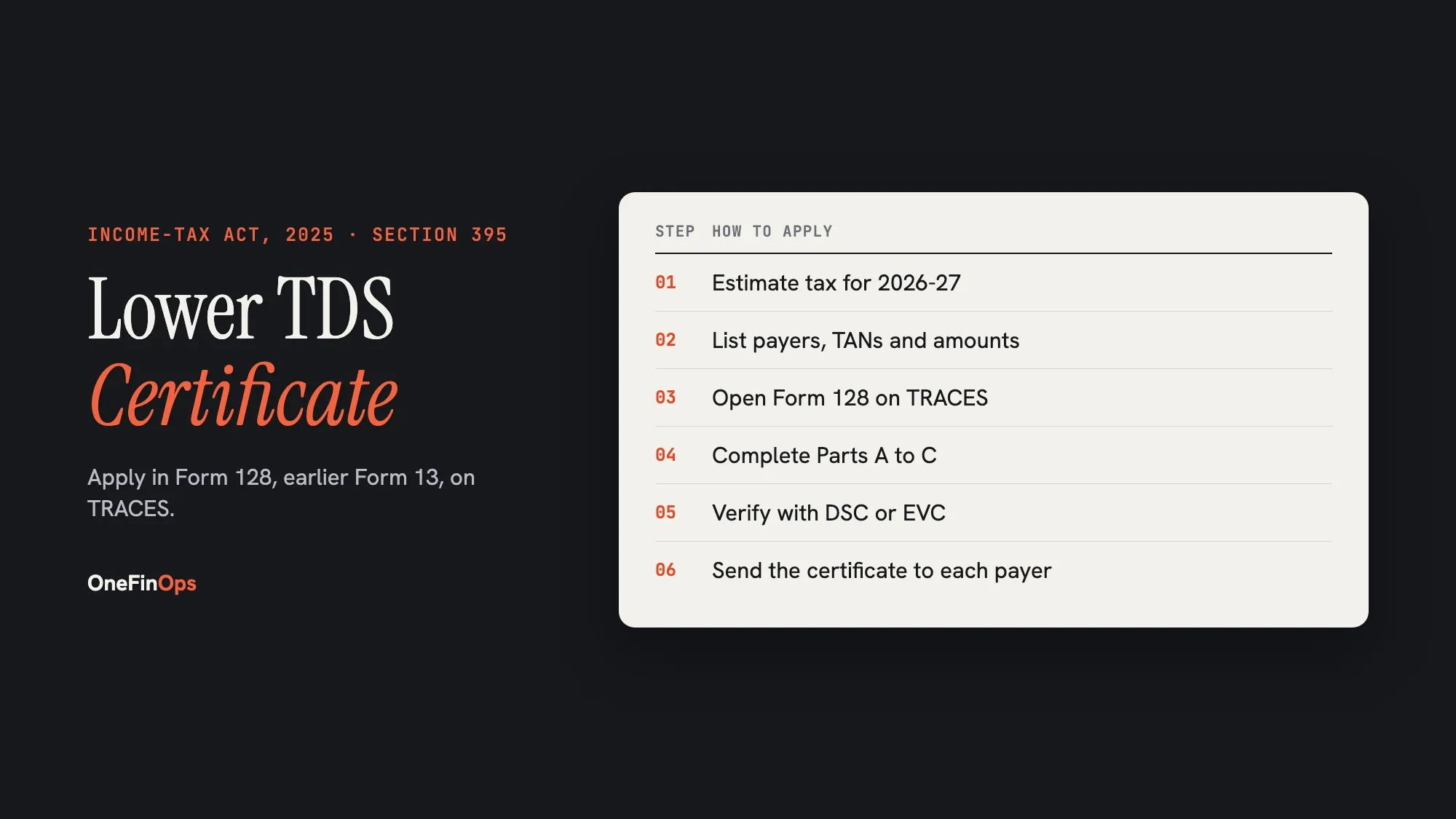
| 10 | Lower or nil TDS certificate: Form 128 order (earlier Form 13, section 197) | Lower TDS rate, only for the certificate’s amount and period | Validate the certificate on TRACES; note the limit and validity dates | If the vendor has one |
| 11 | Section 206AB / 206CCA status | Omitted from 1 April 2025; no equivalent in the Income-tax Act, 2025 | Remove from old checklists | Not required |
| 12 | Authorised signatory proof | Signer can bind the vendor | Board resolution or authority letter | For contracts above your threshold |
| 13 | EPF and ESI registration numbers | Principal employer exposure for manpower vendors | EPFO and ESIC establishment search | For manpower and service contractors |
| 14 | Signed NDA, code of conduct, data protection terms | Confidentiality and data handling | Signed copies on file | If the vendor handles your data |
More on Form 128 in our lower TDS certificate guide.
How OneFinOps handles vendor onboarding
The vendor uploads documents to the portal. The Vendor Agent fills the vendor record, verifies registration and tax status against the source registry, checks bank details against every vendor already held. A new bank detail always goes to the controller, who confirms it on an independent channel. Until the required evidence is accepted, the vendor cannot be ordered from or paid. Unlike email onboarding, where checks live in an inbox, procurement, payables and compliance read one vendor record.
See how vendor onboarding works